Design Knowledge Hub

Expert Insights
on Design & Amazon

Deep-dive articles on graphic design, Amazon listing optimization, packaging, A+ content, and professional printing.

Graphic Design

What Is Graphic Design? A Complete Guide for Businesses in 2025

In today's hyper-visual world, graphic design is no longer a luxury — it is a fundamental business necessity. Whether you're an Amazon seller trying to increase product clicks, a startup launching a new brand, or an established company refreshing its identity, graphic design is the silent force that shapes how your audience perceives you before a single word is read.

Key Insight: Studies show that people form visual impressions in as little as 50 milliseconds. Your design has 0.05 seconds to make a first impression — and that impression directly impacts buying decisions.

What Is Graphic Design?

Graphic design is the practice of planning and projecting ideas and experiences with visual and textual content. It combines art, technology, and psychology to communicate messages visually in a way that influences how people think, feel, and act. A skilled graphic designer doesn't just make things look beautiful — they solve communication problems visually.

The field encompasses everything from a company's logo to a product's packaging, from a social media post to a full Amazon listing image set. Every visual decision — color, typography, layout, imagery — carries meaning and sends a signal to your audience.

The Core Principles of Graphic Design

Great design is built on foundational principles that guide every professional designer's work:

Contrast

Makes elements stand out and guides the viewer's eye to what matters most.

Alignment

Creates order, organization, and visual connection between elements.

Repetition

Builds brand consistency and strengthens visual identity across touchpoints.

Proximity

Groups related information together to reduce cognitive load and improve readability.

White Space

Breathing room that makes designs feel premium, clean, and easy to read.

Color Theory

Colors trigger emotions and associations — the right palette builds the right feeling.

The Role of Color Psychology in Business Design

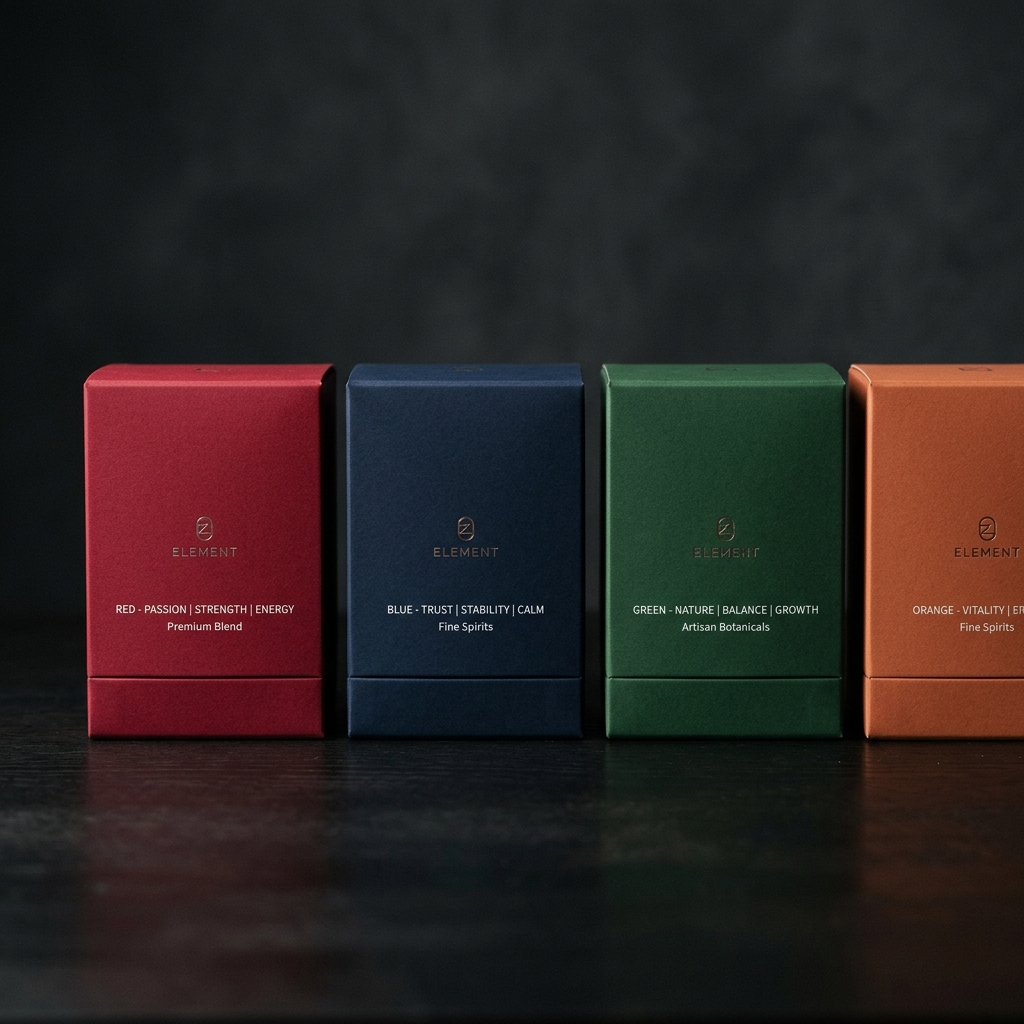
Color is one of the most powerful tools in a designer's toolkit. Different colors trigger distinct emotional and psychological responses:

  • Red — Urgency, passion, power. Used by brands that want to drive immediate action (sales, discounts, Amazon buy buttons).
  • Blue — Trust, reliability, calm. Widely used by finance, healthcare, and tech companies to build credibility.
  • Black & Gold — Luxury, exclusivity, premium. Ideal for high-end packaging and premium product positioning.
  • Green — Nature, health, sustainability. Perfect for organic products, health supplements, and eco-friendly brands.
  • White — Cleanliness, simplicity, minimalism. The foundation of premium design and medical/beauty packaging.
  • Orange — Energy, enthusiasm, affordability. Creates a sense of approachability and warmth.

Typography: The Silent Brand Voice

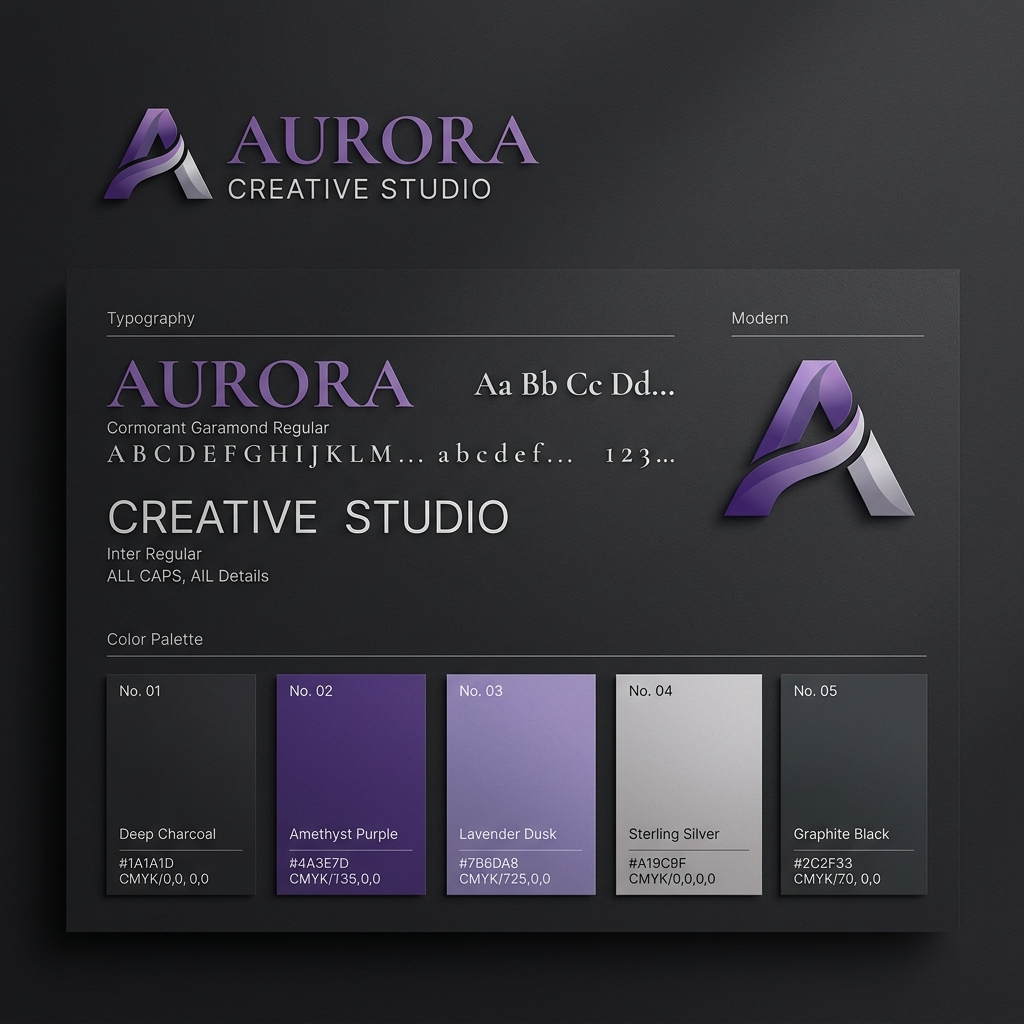
Typography is not just about choosing a font — it's about choosing a voice. The typeface you use communicates your brand's personality before anyone reads the words. A law firm's serif font says "established and trustworthy." A tech startup's geometric sans-serif says "modern and innovative."

Key typography principles for business design:

  • Use no more than 2-3 typeface families in a design to maintain coherence
  • Establish clear typographic hierarchy: headlines, subheadings, body, and captions
  • Ensure readability — minimum 16px for body text on digital platforms
  • Line spacing (leading) should be 1.4-1.6x the font size for comfortable reading
  • Contrast your heading and body fonts — a bold display font paired with a clean body font works well

How Graphic Design Directly Impacts Sales

The ROI of good design is measurable. Here's how professional graphic design translates into business results:

  1. Higher Click-Through Rates: On Amazon, a professionally designed main image can increase CTR by 30-50%. More clicks = more potential sales.
  2. Increased Conversion Rates: When buyers land on a well-designed listing or website, trust increases — and trust converts. A+ content alone can boost conversion rates by 10% or more.
  3. Stronger Brand Recall: Consistent design makes your brand memorable. Customers are more likely to return to brands they recognize.
  4. Premium Price Positioning: Professionally designed packaging justifies higher prices. Consumers consistently pay more for products that look premium.
  5. Reduced Cart Abandonment: Poor UI/UX design drives abandonment. Good design keeps customers moving through the purchase journey.

Essential Design Tools Used by Professionals

  • Adobe Photoshop — Industry standard for photo editing, compositing, and raster-based design work including Amazon listing images.
  • Adobe Illustrator — Vector-based design for logos, icons, packaging dielines, and scalable graphics.
  • Adobe InDesign — Layout and multi-page document design for brochures, catalogs, and print materials.
  • Figma — Collaborative UI/UX design and digital prototyping.
  • Canva Pro — Accessible design for social media and marketing materials.

When to Hire a Professional Design Agency

While DIY tools have made basic design accessible, there are clear signs that your business needs a professional design partner:

  • Your Amazon listings have low CTR despite competitive pricing
  • Your packaging looks similar to generic competitors
  • Your brand visuals are inconsistent across platforms
  • You're launching a new product and need to make a strong first impression
  • You've been told your visuals look "low quality" or "unprofessional"

Ready to Transform Your Brand Visuals?

D.Marketing specializes in Amazon-focused design that drives real sales results. Get a free review of your current visuals.

Get Free Consultation
Amazon Listing Design

Amazon Listing Image Design: The Ultimate Guide to More Clicks & Sales

On Amazon, you don't get a second chance to make a first impression. With millions of products competing for attention, your listing images are your most powerful sales weapon. Amazon buyers make split-second decisions based almost entirely on your product images — before they read a single word of your title or bullet points.

Amazon Fact: Products with high-quality, professionally designed listing images see up to 30-50% higher click-through rates compared to basic white-background shots. Your images are your most important conversion lever.

Understanding Amazon's Image Requirements

Before diving into design strategy, every Amazon seller must understand the platform's technical specifications:

  • Main Image: Pure white background (RGB 255,255,255), product must fill 85%+ of the frame, minimum 1000x1000px (2000x2000px recommended for zoom), no text, graphics, or watermarks
  • Secondary Images: Minimum 1000x1000px, can include infographics, lifestyle shots, and text overlays
  • Supported Formats: JPEG, TIFF, PNG, GIF (JPEG preferred)
  • Maximum Images: Up to 9 images per listing (including the main)

The Perfect Amazon Listing Image Strategy (7-Image Framework)

Professional Amazon sellers use a proven image sequence to walk buyers through the purchase decision:

  1. Main Image (Hero Shot): Clean white background, perfectly staged product. This drives CTR — it must be flawless.
  2. Lifestyle Image: Show the product in real use context. Buyers want to visualize themselves using the product.
  3. Key Features Infographic: Highlight 3-5 top features with icons and short callouts. Answer: "Why is this better?"
  4. Dimension/Size Chart: Eliminate size guesswork — one of the top causes of returns. Include ruler or familiar object for scale.
  5. Before & After / Problem-Solution: Show the problem your product solves. Emotional resonance drives urgency.
  6. Comparison Chart: Compare your product to the generic alternative. Show your superiority with data.
  7. Trust & Social Proof Image: Certifications, "as seen in" media mentions, star rating callouts, or material quality close-ups.

Main Image Optimization: The Click-Getter

Your main image appears in search results and is the single most important image. Here's how to make it perform:

  • White Background Perfection: Use a professional photographer or retouching service. Shadows should be natural, not harsh.
  • Fill the Frame: Product should occupy 80-90% of the image. Don't waste real estate with empty white space.
  • Best Angle: Show the product from its most recognizable and appealing angle — usually 3/4 perspective.
  • Multiple Units (if applicable): For multi-pack products, show all items together to communicate value.
  • Open Packaging: For consumables or products with interior value, show the product inside or out of its packaging.

Infographic Design Best Practices

Your secondary images are where you sell — not just show. Effective Amazon infographics follow these principles:

  • 3-5 Features Maximum: Don't overwhelm. Focus on the 3-5 features buyers care about most.
  • Icons + Numbers: Combine a relevant icon with a specific number or statistic for impact. "4x More Absorbent" beats "Very Absorbent."
  • Consistent Brand Colors: All secondary images should share a cohesive color palette that reflects your brand.
  • Large, Bold Typography: Keep text to a minimum, but make it legible even on mobile screens.
  • Dark vs Light Backgrounds: Many premium brands use dark backgrounds to stand out from the sea of white listings.

Common Amazon Listing Image Mistakes to Avoid

  • Cluttered infographics with too much text that can't be read on mobile
  • Low-resolution images that look blurry when buyers zoom in
  • Inconsistent fonts, colors, and styles across images — looks unprofessional
  • Missing lifestyle images — buyers need to see the product in context
  • No size reference — always show scale to eliminate sizing concerns
  • Using stock photography that looks generic and unrelated to your product
  • Poor lighting in product photography — shadows, uneven light, and reflections hurt trust

Mobile Optimization: Designing for 60% of Amazon Traffic

Over 60% of Amazon shopping happens on mobile devices. This fundamentally changes how you must design your images:

  • Test every image at thumbnail size (75x75px) — key elements must still be visible
  • Use larger text — minimum 30-40pt equivalent for infographic callouts
  • Avoid thin, delicate fonts that disappear on small screens
  • High contrast between text and background is essential
  • Your main point of difference should be visible even in the mobile thumbnail

Is Your Amazon Listing Losing You Sales?

Get a free expert review of your current listing images and discover exactly what's costing you clicks and conversions.

Get Free Listing Audit
A+ Content

Amazon A+ Content Guide: How to Design EBC That Boosts Conversions by 10%+

Amazon A+ Content (formerly known as Enhanced Brand Content or EBC) is a feature available to Brand Registry sellers that allows you to replace the standard product description with rich, visual content — including images, comparison charts, text panels, and brand storytelling modules. When done right, A+ Content can increase conversion rates by 10% or more, reduce return rates, and significantly boost brand loyalty.

Amazon's Own Data: Amazon has reported that well-designed A+ Content can increase sales by 3-10% on average. For competitive products, this difference can be the margin between profit and loss.

What Is Amazon A+ Content?

A+ Content appears in the product description section of your Amazon listing. Instead of plain text, you get access to visual modules that allow you to:

  • Tell your brand's origin story and build emotional connection
  • Showcase product features with high-quality images and rich text
  • Compare product variants to help buyers choose the right option
  • Display technical specifications in clean, visual formats
  • Cross-promote your other products with comparison tables
  • Address common buyer questions and objections proactively

A+ Content Module Types & When to Use Them

Standard Modules

  • Header Image with Text: Opening banner — your first impression in A+. Use a lifestyle image with a powerful brand statement.
  • Text & Image Side by Side: The workhorse module — great for feature explanations with supporting imagery.
  • 4-Icon Grid: Excellent for showcasing 4 key features, certifications, or benefits with icons and short descriptions.
  • Product Comparison Table: Compare your product variants or your product against competitor generic alternatives.
  • Triple Image: Showcase 3 product angles, use cases, or features with captions.
  • Image with Text Overlay: Full-width image with text overlaid — powerful for brand statements and lifestyle imagery.

Premium A+ (Brand Story)

Available to sellers who have fully populated standard A+ content across their catalog, Premium A+ unlocks larger modules including full-width videos, interactive hotspot images, and enhanced comparison carousels. This is where category leaders establish dominance.

The 5-Part A+ Content Structure That Converts

Successful A+ Content tells a story with a beginning, middle, and end. Here's the structure professional designers use:

  1. Brand Hero Banner: A powerful full-width lifestyle image that establishes your brand world. Immersive, emotional, aspirational.
  2. Problem & Solution Statement: Acknowledge the buyer's pain point, then position your product as the clear solution. This creates immediate relevance.
  3. Feature Deep-Dive: 2-3 modules each dedicated to one key feature. Use real imagery, not stock photos. Be specific — "4-Layer Filtration System" not "Great Filtration."
  4. Social Proof & Trust Signals: Certifications, awards, material quality callouts, "Made with..." statements, country of origin (if a selling point).
  5. Brand Story & Values: Why did you create this product? What does your brand stand for? Buyers buy from brands they connect with.

A+ Content Design Rules That Drive Results

  • Consistent Visual Language: Every module should feel like it belongs to the same family — same fonts, color palette, and photography style.
  • Image Quality: Use minimum 970px wide images for full-width modules. Blurry images in A+ content destroy credibility instantly.
  • Mobile-First Design: A+ Content is frequently viewed on mobile. Ensure text in images is large enough to read on a 5-inch screen.
  • Don't Repeat Listing Images: A+ should complement, not duplicate, your listing images. New angles, new information, new stories.
  • No Competitor Mentions: Amazon's guidelines prohibit directly naming competitors. Use generic "other brands" language instead.
  • Avoid Overcrowding: White space is your friend. A cluttered A+ section feels overwhelming and loses buyers.

A+ Content for Different Product Categories

The ideal A+ approach varies by product type:

  • Electronics/Tech: Focus on specs, compatibility, technical differentiators, and warranty information.
  • Health & Supplements: Emphasize ingredients, certifications (GMP, FDA-registered), sourcing, and usage instructions.
  • Beauty & Personal Care: Lifestyle imagery, skin type suitability, ingredients, before/after results, and dermatologist endorsements.
  • Home & Kitchen: Lifestyle context, material quality, care instructions, and compatibility with different spaces.
  • Baby & Kids: Safety certifications are paramount. Also include age suitability, developmental benefits, and parent testimonials.

Ready to Maximize Your A+ Content?

D.Marketing designs premium A+ Content that tells your brand story and converts browsers into loyal customers.

View A+ Content Service
Packaging Design

Packaging Design Guide: How Great Packaging Sells Your Product Before They Open It

Packaging is often the first physical interaction a customer has with your brand. Before they experience your product, they experience your packaging. And in that moment — holding the box, looking at the label, feeling the texture — a decision is being made: Was this worth buying? Will I buy it again? Will I tell a friend?

In the Amazon era, packaging has taken on new dimensions. It must work as a listing image, survive the shipping process, create an "unboxing experience," and communicate your brand values — all simultaneously.

Consumer Psychology: Research shows that 72% of consumers say packaging design influences their purchasing decisions. Premium packaging increases willingness to pay by up to 45%, and 40% of online shoppers share unboxing photos on social media when packaging is attractive.

The Psychology Behind Packaging Design

Every design decision in packaging triggers a psychological response in the buyer:

  • Weight & Texture: Heavier, textured packaging signals quality. Matte finishes feel premium; glossy finishes feel accessible.
  • Color: Dark packaging (black, navy, deep green) communicates luxury. Bright colors communicate energy and fun. Pastels communicate gentleness and wellness.
  • Typography: Serif fonts feel established and trusted. Sans-serif feels modern. Script fonts feel handcrafted and artisanal.
  • Minimalism vs Maximalism: Clean, minimal packaging communicates premium and confidence. Busy, detailed packaging communicates value and information density.
  • Shape: Unconventional shapes drive shelf standout but increase production costs. The best approach balances distinctiveness with practicality.

The Packaging Design Process: From Brief to Print-Ready

  1. Structural Briefing: Define box type (tuck box, mailer, sleeve, etc.), dimensions, and material. This determines the dieline template.
  2. Market & Competitor Research: Study how competitors package their products. Your packaging should be recognizably different — but not alienating.
  3. Brand Alignment: All packaging must align with your existing brand identity — logo, colors, fonts, tone of voice.
  4. Dieline Creation: The structural template of your packaging laid flat. Every fold, tab, and glue area is mapped precisely.
  5. Design Mockup: The visual design applied to the dieline. Reviewed in 2D and as a 3D mockup.
  6. Compliance Review: Legal text, barcodes, ingredient lists, country of origin, certifications — all must be included per regulations.
  7. Print-Ready Files: CMYK color conversion, bleed added, fonts outlined, high-resolution images placed. Files prepared to printer's specifications.

Amazon-Specific Packaging Considerations

Products sold on Amazon have unique packaging requirements that differ from retail:

  • SIOC (Ships in Own Container): If your packaging qualifies as Frustration-Free or SIOC certified, Amazon may ship it without an additional box — your packaging must protect the product independently.
  • Poly Bagging Requirements: Certain product types require poly bags with suffocation warnings (required for bags over 5 inches in any dimension).
  • FBA Label Area: Your packaging needs a scannable barcode (FNSKU or UPC) in an accessible location — design for this from the start.
  • Packaging Aesthetics in Listing Images: Your packaging will be photographed and used in listing images — beautiful packaging becomes a selling point in itself.
  • Unboxing Experience: Many Amazon buyers film and share unboxing content. Custom tissue paper, inserts, thank-you cards, and branded tape create shareable moments.

Packaging Materials & Finishes

Common Packaging Materials

  • Corrugated Cardboard: Durable, eco-friendly, excellent for shipping mailer boxes.
  • Rigid Chipboard: Premium rigid boxes (like phone packaging). High perceived value, higher cost.
  • Folding Carton: Standard retail packaging — cost-effective, versatile, widely printable.
  • Kraft Paper: Natural, eco-friendly feel. Perfect for organic and artisan brands.
  • Plastic & PET: Used for food-safe packaging, cosmetics, and supplement bottles.

Premium Finishing Options

  • Matte Lamination: Smooth, velvety feel that communicates premium quality.
  • Gloss Lamination: Shiny, vibrant finish that makes colors pop.
  • Soft Touch (Velvet) Lamination: Ultra-premium, almost fabric-like texture. Triggers tactile pleasure response.
  • Spot UV: Selective glossy coating on specific elements (logo, product name) over a matte base — creates depth and dimension.
  • Foil Stamping: Metallic gold, silver, or rose gold accents. Unmistakably luxury.
  • Embossing / Debossing: Raised or recessed elements that add tactile dimension to your logo or design elements.

Sustainable Packaging: The Brand Advantage

Modern consumers — especially millennials and Gen Z — actively prefer brands with sustainable packaging. Eco-friendly packaging is no longer just ethical — it's a marketing advantage:

  • Use FSC-certified paperboard and cardboard
  • Switch from plastic void fill to recycled paper or cornstarch peanuts
  • Design packaging that serves a secondary purpose (storage, etc.)
  • Use soy-based or water-based inks instead of petroleum-based
  • Right-size your packaging — avoid excessive air space (also reduces FBA fees)

Ready for Packaging That Sells?

D.Marketing creates premium packaging design for Amazon and retail — from concept to print-ready files.

View Packaging Service
Printing Solutions

Professional Printing Guide: CMYK, Bleed, Resolution & Everything You Need to Know

Sending a design to print without understanding the technical requirements is one of the costliest mistakes a business can make. Colors that look perfect on screen turn out muddy in print. Images that look sharp on a monitor appear blurry in the final product. Important text gets cut off. And fixing these issues after printing means reprinting — wasting time and money.

This guide gives you everything you need to understand professional printing — from color modes to file preparation — so your designs come out exactly as intended, every time.

The Golden Rule: A file that looks perfect on screen is NOT automatically ready to print. Professional print work requires specific file preparation that must be done intentionally — before the file is sent to the printer.

CMYK vs RGB: The Most Important Distinction in Printing

RGB (Red, Green, Blue)

RGB is the color model used by all digital screens — computers, phones, tablets, TVs. It's an additive color model: adding colors together creates lighter colors, with all three at maximum (255,255,255) producing white. RGB has a much larger color gamut (range of possible colors) than CMYK, which is why digital designs often look more vibrant on screen.

CMYK (Cyan, Magenta, Yellow, Key/Black)

CMYK is the color model used in professional printing. It's a subtractive model: ink is layered on white paper, and mixing all four inks produces black (or close to it). CMYK has a smaller color gamut than RGB, which means some colors you see on screen simply cannot be reproduced in print.

Use RGB For:

Websites, social media, digital ads, Amazon listing images, email graphics

Use CMYK For:

Business cards, packaging, flyers, brochures, labels, banners, any physical print material

Warning:

Always convert to CMYK before sending to print. Printers will auto-convert RGB files, often with poor, unpredictable results.

Understanding Bleed, Safe Zone & Trim

These three zones are critical to understanding how printed pieces are designed and cut:

  • Bleed Area (typically 3-5mm outside trim): Any background colors or images that extend to the edge of your design must extend into the bleed area. This accounts for slight variations in cutting position — without bleed, you'd get white edges.
  • Trim Line: The exact edge where the printed sheet will be cut. This is your final document size.
  • Safe Zone / Live Area (3-5mm inside trim): All important content — text, logos, key visuals — must stay within the safe zone to ensure they're not accidentally cut off.

A document set up correctly for a standard business card (90x55mm) would actually be created at 96x61mm (adding 3mm bleed on all sides), with the safe zone at 84x49mm (3mm inside trim on all sides).

Resolution: DPI and Why It Matters

Resolution refers to the density of pixels or dots in an image, measured in DPI (dots per inch) or PPI (pixels per inch):

  • 72 DPI: Standard screen resolution. Images designed at 72 DPI look sharp on screen but will appear pixelated and blurry when printed.
  • 150 DPI: Minimum acceptable resolution for large-format printing (banners, posters). Viewed from a distance, lower resolution is acceptable.
  • 300 DPI: The professional standard for all commercial printing. Business cards, packaging, brochures — always 300 DPI minimum.
  • 600+ DPI: Required for very fine detail work, high-quality photography printing, and some specialized print applications.

Important: You cannot increase resolution by simply changing the DPI setting of a low-resolution image. Genuine resolution must be present in the original file. Upscaling creates blurry, pixelated results.

File Formats for Professional Printing

  • PDF (Preferred): The gold standard for print files. Use PDF/X-1a or PDF/X-4 preset. Fonts should be embedded or outlined.
  • AI (Adobe Illustrator): Native format for vector-based artwork. Excellent for logos, icons, and text-heavy designs.
  • EPS: Encapsulated PostScript — vector format compatible with most professional software.
  • TIFF: Lossless raster format. Larger file sizes but no quality compression. Good for photographic content.
  • PSD (Photoshop): Acceptable if flattened and at correct resolution and CMYK mode.
  • Avoid JPEG for Print: JPEG compression can introduce artifacts visible in high-quality printing.

Fonts in Print Files

Fonts are a frequent source of print errors. If a printer doesn't have the fonts used in your file, they will substitute with a default font — completely breaking your design. Prevent this with two approaches:

  • Embed Fonts in PDF: When exporting to PDF, always embed all fonts. This packages the font data within the file.
  • Outline All Text: Converting text to outlines (paths) in Illustrator or Photoshop removes the font dependency entirely. The text becomes a vector shape. Note: outlined text cannot be edited afterwards.

Spot Colors vs Process Colors (CMYK)

Understanding when to use spot colors can save money and improve color accuracy:

  • Process/CMYK Printing: Standard commercial printing using the four CMYK inks. Economical for full-color work with photographs and complex gradients.
  • Spot Colors (Pantone/PMS): Pre-mixed inks matched to a specific Pantone color reference. More accurate and consistent than CMYK — ideal for brand colors that must always look identical across print runs.
  • Combination: High-end packaging often uses 4-color CMYK plus 1-2 spot colors for brand-critical elements.

Print Checklist: Before You Send Files

  • ✅ Document is in CMYK color mode
  • ✅ Resolution is 300 DPI or higher
  • ✅ Bleed is set up correctly (3mm all sides minimum)
  • ✅ All important content is within the safe zone
  • ✅ Fonts are outlined or embedded
  • ✅ No RGB images or spot colors that need conversion
  • ✅ Black text is set to 100% K only (not rich black) for small text
  • ✅ All layers are visible and correct
  • ✅ File is saved as print-ready PDF with correct preset
  • ✅ Proofreading completed — spelling, phone numbers, addresses verified

Need Print-Ready Design Files?

D.Marketing delivers fully print-ready files — CMYK, 300 DPI, with proper bleed — for all packaging and print materials. No reprinting surprises.

View Printing Service